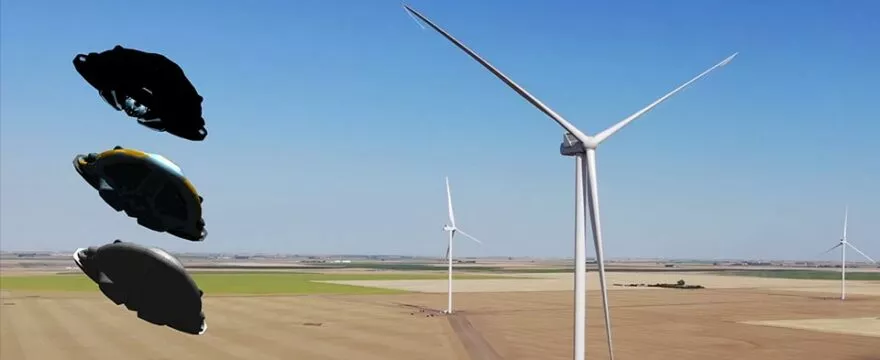
In this part, everything comes together: Background, Shadows, Ambient Occlusion, Specularity, Motion Blur and more.
The classical compositing task is Fusion’s main strength and we waited until part 4 to use it! With all elements from 3D and 2D at hand, we can assemble the scene, check how elements fit together and always refer back to the original footage as reference.
Below is part 4 of the tutorial. Here’s the list of all parts – one more to go!
- Model import
- 3D camera tracking, lighting, and animation
- Paintwork and planar tracking
- Multipass compositing (this tutorial)
- Finishing touches
To get the footage and all exercise files and solution files, download the package from part 1 of this tutorial series.

Why does the emission doesnt show up even after its connected as you did at 33:46?
I does once I change the merge to screen. Before, when it’s just set to merge, the black values from the emission pass also are merged and cover up the whole space ship. By screening, the background image of the merge get’s only brightened but not darkened and the lights come through wherever they are brighter than the background.