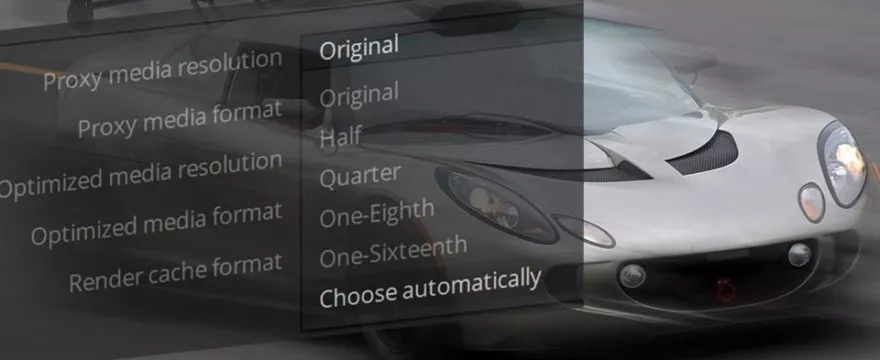
DaVinci Resolve offers two methods to substitute your original media for enhanced performance. The traditional method has been to create optimized media. Since DaVinci Resolve 17 a new Proxy File workflow is available as well.
Both techniques can help whenever your computer is struggling with the original codecs. RAW media that needs debayering or strong compression codecs like h.265 are not ideal for editing. High resolution and data rates can also lag on lower-end computers.
You can use Proxy Files in Resolve in flexible ways: Generate it directly in Resolve or externally, link and relink different versions, and search and filter for it in the Media Bin. An advantage of Optimized media is that you can optimize partial segments in the timeline instead of full clips. For Projects with huge amounts of source media, this can become an advantage.
Both Proxy Files and Optimized Media are used in the effects processing in Fusion or on the Color Page. Keep in mind that Fusion’s RAM cache does not automatically refresh when you enable or disable optimized media or proxy files. At the moment you need to manually clear the cache and rerender the current frame. This is especially important when you start from a lower quality in the edit and want to go back to the original in Fusion.
Fusion also provides its own proxy file method when you are using Fusion loader nodes. This feature is coming from Fusion Studio and is also available in Resolve. Those proxy files are not managed by Resolve but are manually provided in the loader nodes. They are used only when the Fusion proxy mode is activated at the same time.
This video is part of a longer series about performance in DaVinci Resolve. Check out these other videos as well:

Very helpful. Thank you
Thank you! – Once again your broad and deep understanding of this great software shines through!
Slight typo is your header:
“Resolve Performance: Poxy Files and Optimized Media
A close look at proxy files and optimized media in DaVinci Resolve. Generate, manage and relink proxy filies and understand the impact on Fusion.”
Proxy and files (sp). I’s a great website: I don’t want typos to detract from its polish and impact. Feel free to erase this comment when read. Thanks.
Oh, Thanks a lot! Luckily I didn’t have the typo in video. Website is easy to fix 🙂