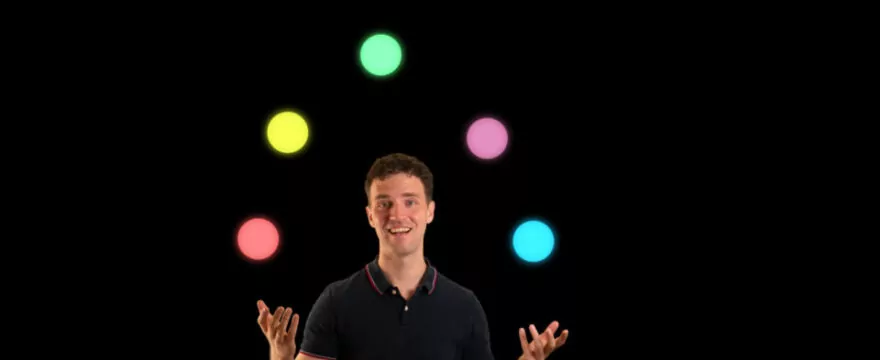
Use Fusion Particles instead of Keyframes to animate Graphics in DaVinci Resolve. In this beginner friendly Fusion Tutorial, we use simple forces to make images move and bounce.
We use one pEmitter node to create only one particle with a long livespan. By merging together multiple pEmitter nodes, we recreate shapes from a logo. You can also set the pEmitter to accept an image input for the particle and thus make multiple images/ Graphics elements move together.
After merging together all emitter nodes with particle merges, you can render them with the pRender node into a 2D image for a 2D motion graphic.
I presented the first part of this animation within a motion graphics workshop at ResolveCon ’23 in Portland. The workshop was not recorded. However, other sessions were streamed live and are available via Casey Faris YouTube channel: Day 1, Day 2, Day 3.

This is a great tutorial!! Is there a way to share with us the Project? Thanks!
The logo itself was part of the download package for those who attended ResolveCon. I’m not sure if I can share that outside now. I’ll check….
Either way, it should be fairly easy to rebuild what I’m doing with any other logo and you can probably learn more by pushing yourself to recreate it on your own 🙂