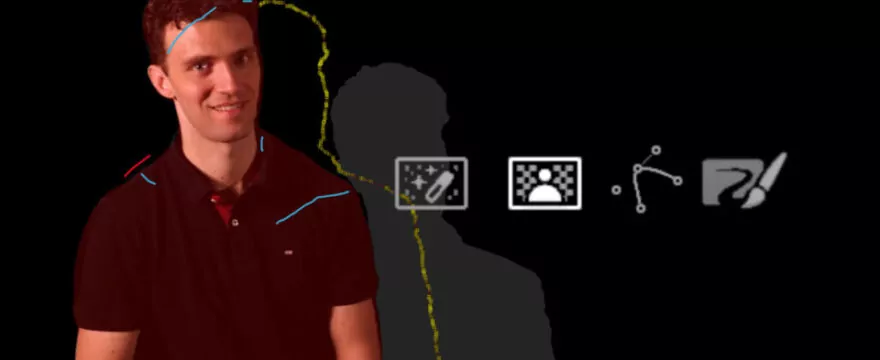
With DaVinci Resolve 18.1, the Magic Mask was added as a Fusion tool. While the workflow in this tutorial is still possible, in most cases I would recommend following this new tutorial.
The Magic Mask in DaVinci Resolve allows quick AI powered selections of both people (“Person Mask”) and objects (“Object Mask”) in the DaVinci Resolve Color page.
While those masks are quick and easy to create, they often lack precision for compositing. Nontheless, it can be useful to access those masks in Fusion. Highest level of precision is not always required. Sometimes we want to start with a rough preview or have loose masks as garbage or solid masks for keying.
We can bring the masks into Fusion by creating an alpha output in the color page and then encapsulating the clip in a Fusion compound clip. In Fusion we can combine the masks from the color page with Fusion’s superior paint and roto tools and if necessary send an improved mask back to the color page.

You are a exellent professor thank you so much for teaching us , i will buy all of your courses .
Thanks a lot!